S1 Pro Firmware Update
If you want to update the firmware for the S1 Pro System
- Navigate to the Bose Updater Site
- Follow the prompts on the screen
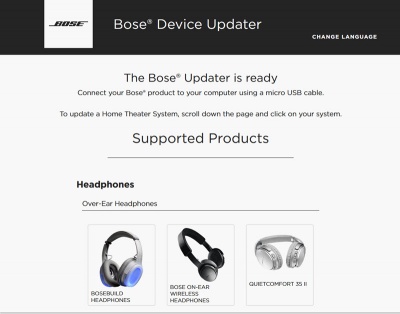
- When the screen looks like this connect the S1 Pro System to your computer
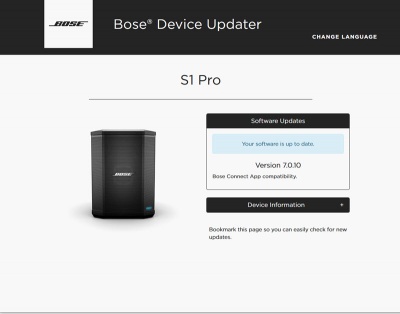
- If the screen says your system is up to date, you don't have to do anything more.
- If Bose Support has told you to reload the latest firmware
Type adv followed by the up arrow, down arrow
The screen will look like this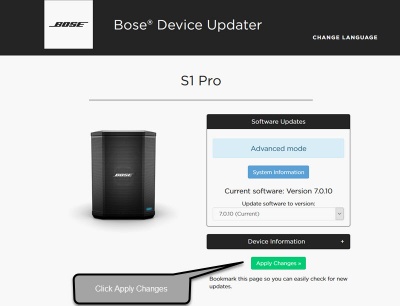
- Click Install Update and follow the prompts on the screen


