Mackie ProFX12V2 to T1
To connect a Mackie ProFX12V2 to the T1 ToneMatch Audio Engine
Connect the Mackie 1/4 inch (6mm) Left and Right Main Outputs to T1 Channels 4/5.

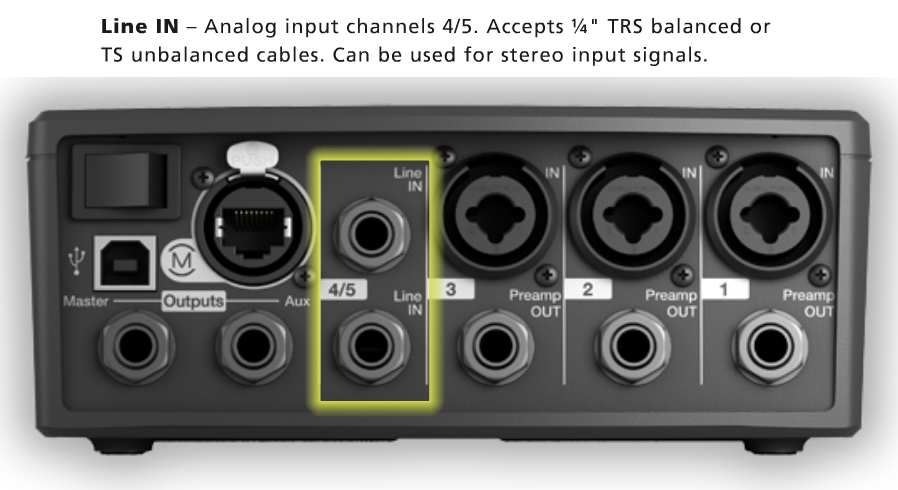
Use 1/4 inch (6mm) Tip-Ring-Sleeve cables.

Set the T1 Input trim setting so
- When you are running the Mackie mixer output around +3

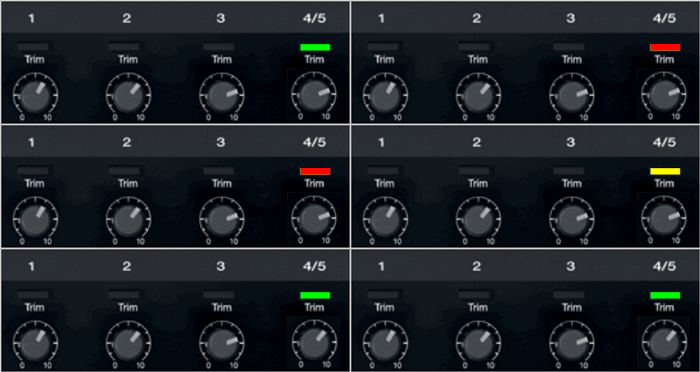
the Trim light on T1 Channel 4/5 is solid green with occasional yellow flickers.
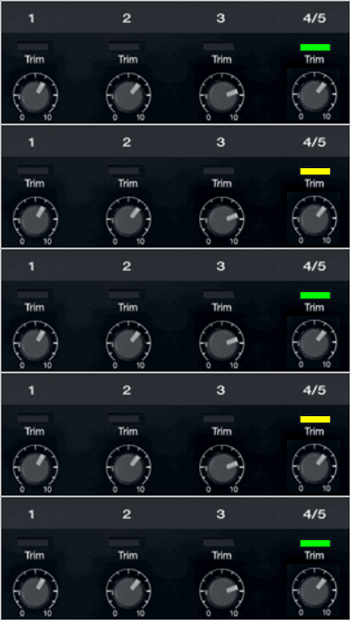
If you see flickers of red (below), turn the Trim down. You are definitely nearing or in compression. Turn the Trim down until there are no red flickers.