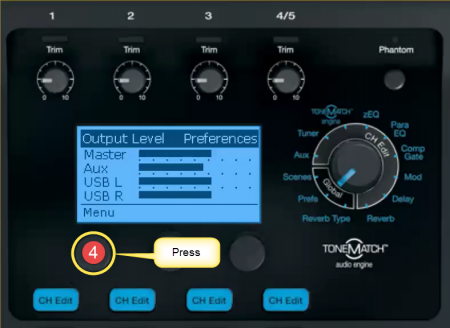
T1® Input / Output Levels
You can monitor the Input and Output levels on the T1 ToneMatch Audio Engine
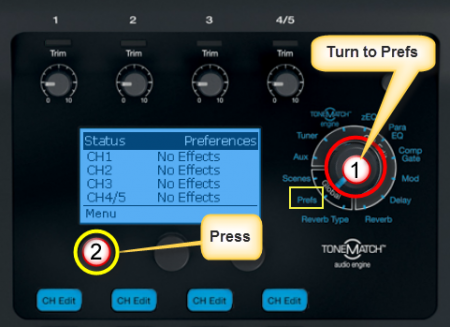
- Turn the Rotary Selector to Global section and Prefs
- Press the first button, Menu
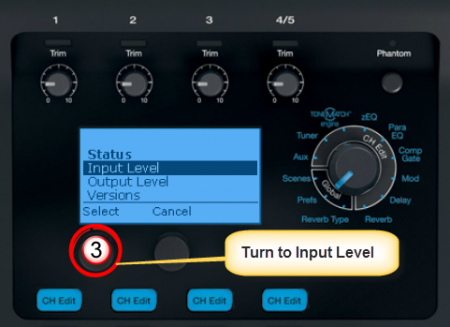
- Turn the Menu to Input Level.
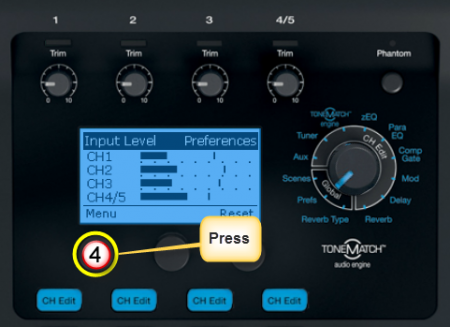
- Press the first button to view the Input Levels


- Turn the Rotary Selector to Global section and Prefs
- Press the first button, Menu
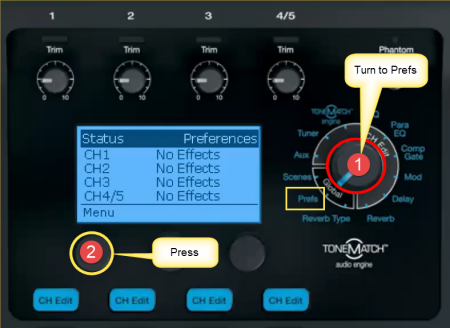
- Turn the Menu to Output Level.
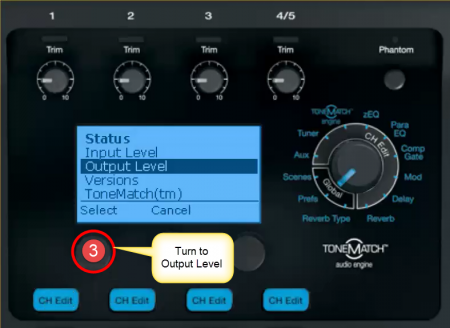
- Press the first button to view the Output Levels